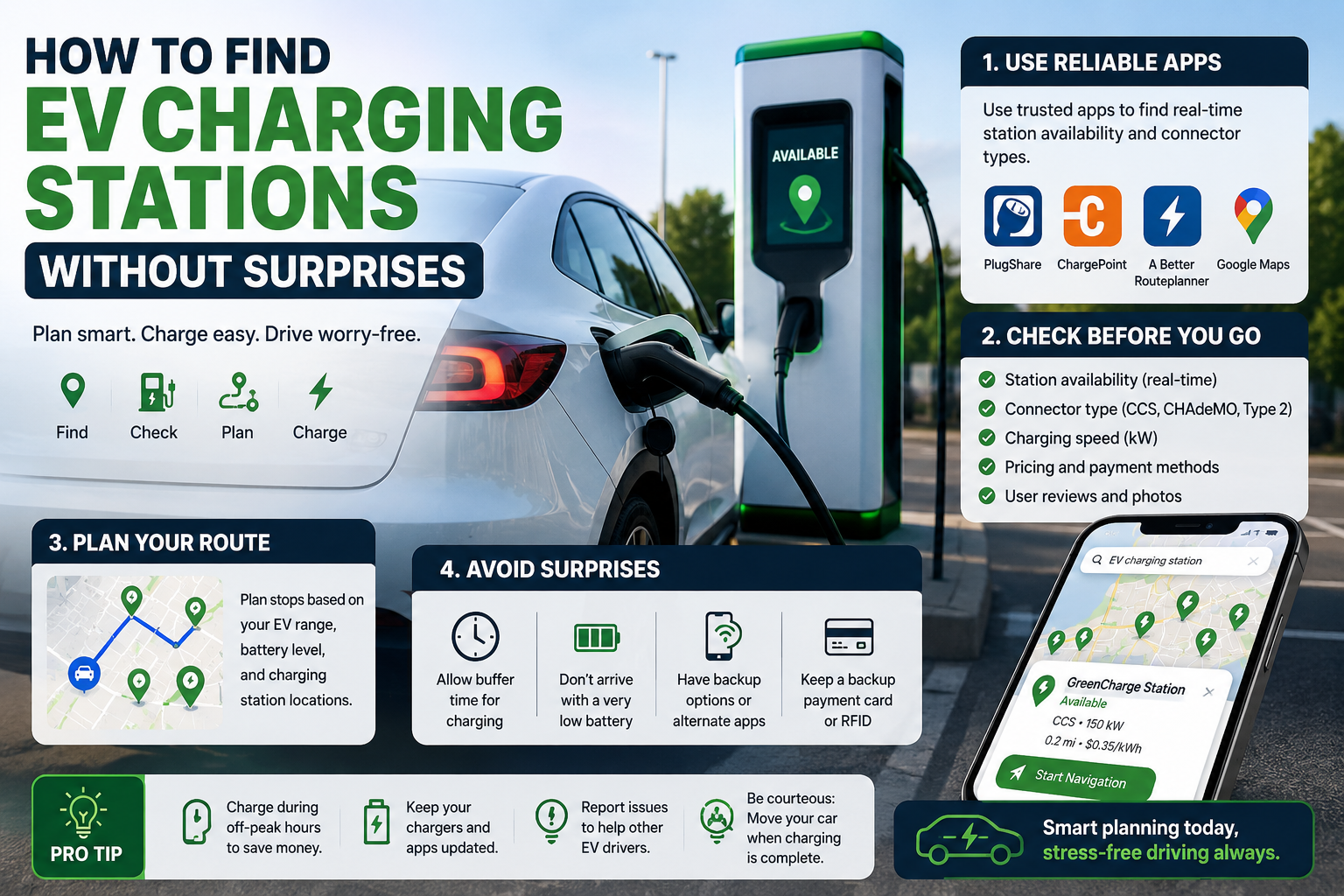
A low battery warning feels different when you’re miles from home and don’t know where the next charger is. Learning how to find EV charging stations before you need one turns that stressful moment into a quick stop.
Maps can show nearby chargers in seconds, but a pin on a screen doesn’t guarantee a useful charge. Check the connector, charging speed, live availability, price, and payment method before you drive over. A little preparation makes public charging feel routine.
How to Find EV Charging Stations Near You
Your car’s navigation system is often the fastest place to start. Many EVs can search nearby chargers, add stops to a route, and estimate your battery level when you arrive.
Apple Maps and Google Maps also list public charging locations. Search “EV charging” and narrow results by network, connector, or charging speed when those filters are available. For a broader view, use network apps from ChargePoint, Electrify America, EVgo, or Tesla.
Use EV Charging Apps and Map Filters
A dedicated charging map gives you details that a basic map result can miss. The PlugShare charging map lets drivers filter stations by plug type, network, and charging speed.
Open a station listing before leaving. Look for the number of stalls, access hours, current availability, parking restrictions, nearby restrooms, and reported charging power. Recent check-ins can also reveal an out-of-service unit or a charger hidden in a hotel garage.
A station with six stalls and recent successful check-ins is usually a safer bet than a closer location with one unreviewed charger.
Find Chargers Through Your Car’s Navigation System
Built-in route planning can reduce guesswork on long drives. Ford, GM, Hyundai, Kia, Rivian, Tesla, and other manufacturers offer systems that can add charging stops based on your destination and battery level.
Still, confirm every suggested stop yourself. Check that the location is open, the connector fits your vehicle, and your account works with that network. A route planner may know your battery state, but it can’t always account for a broken stall or a crowded parking lot.
Choose the Right EV Charging Station for Your Car
The best charger depends on your vehicle and how long you plan to stay. A slow charger makes sense during dinner or an overnight hotel stay. On a highway trip, you usually want DC fast charging.
Charging options vary widely, so don’t judge a station by distance alone. A nearby charger that only adds a few miles per hour may not solve an urgent range problem. The Kelley Blue Book guide to EV charging apps is also useful for comparing the apps drivers often keep on their phones.
Check the Connector Before You Drive There
Most Level 2 public chargers in the United States use the J1772 connector. Many non-Tesla EVs use CCS for DC fast charging, while some older models use CHAdeMO. Tesla uses NACS, which an increasing number of automakers now support.
Adapters can expand your options, but compatibility isn’t automatic. Confirm your vehicle supports the adapter, the charger allows it, and the network can start a session for your car. The connector shape, charging protocol, and account access must all line up.
Know When to Use Level 2 or DC Fast Charging
Level 1 charging uses a standard household outlet and is mainly practical at home. Level 2 chargers are common at workplaces, hotels, garages, and public lots. They work well when your car will be parked for several hours.
DC fast chargers are built for shorter stops and major route breaks. They can add range much faster, although the rate slows as the battery approaches a high state of charge. On most road trips, charging to around 80 percent often saves time compared with waiting for a near-full battery.
Plan an EV Charging Stop Before a Road Trip
Long-distance driving rewards a simple backup plan. Map your preferred stop, check a second station nearby, and identify another option farther down the route. Keep a comfortable battery buffer instead of arriving with only a few miles left.
Weather changes the math. Cold temperatures, steep grades, heavy traffic, towing, and strong cabin heating or air conditioning can reduce range. Pick stops near food, restrooms, stores, or lodging so charging time fits naturally into your trip.
Compare Charging Speed, Cost, and Availability
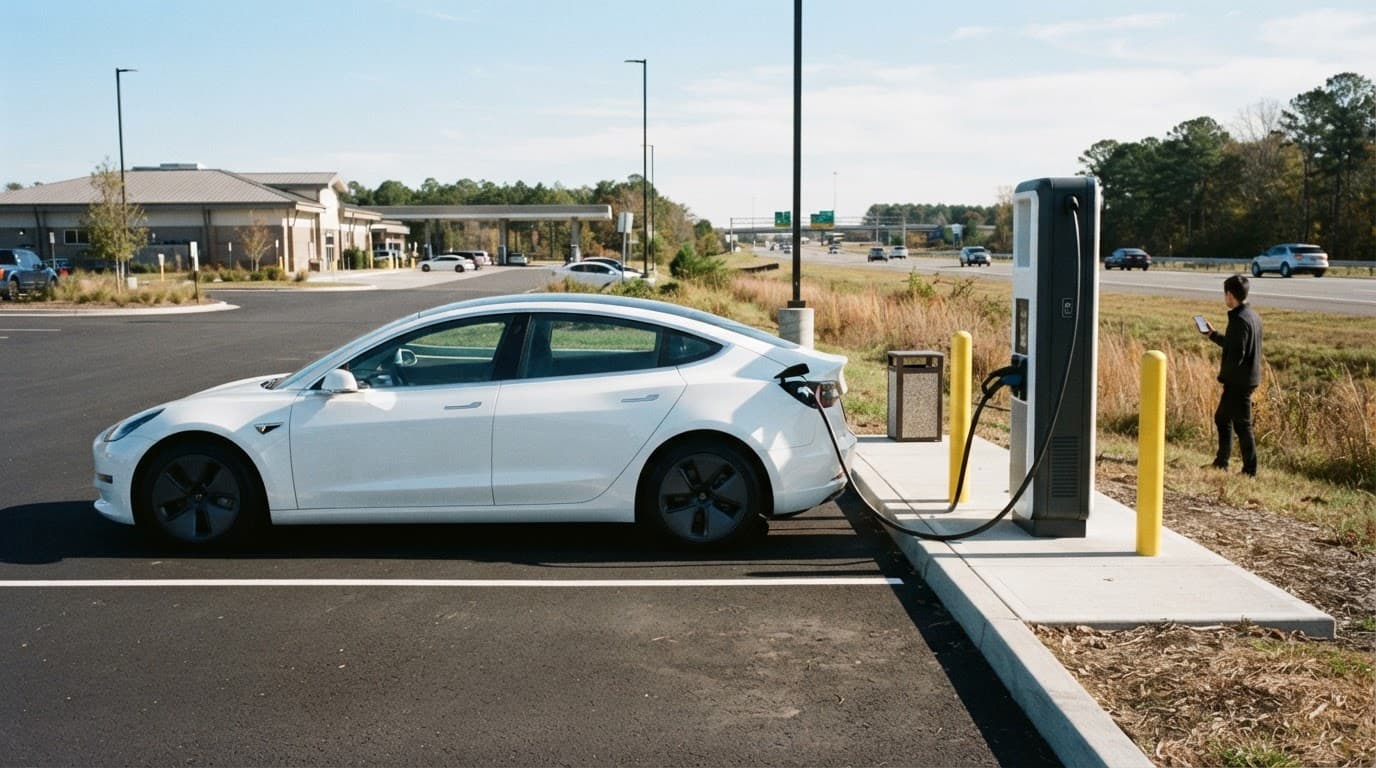
Before you head out, check the station’s live status and posted price. Networks may charge by energy used, time connected, a flat session fee, or a membership rate, depending on local rules and the site.
Also look for idle fees, which can start after charging ends. Some locations accept tap-to-pay cards, while others require an app, account, RFID card, or vehicle brand subscription. Downloading the needed apps at home is easier than doing it with weak cell service.
Always Have a Backup Charging Option
A backup prevents one faulty charger from becoming a major delay. Choose an alternate station close to your planned stop, then keep another workable location ahead on the route.
Chargers can be occupied, blocked by a gas vehicle, offline, or incompatible with your EV. If a stop fails, leave with enough battery to reach your backup. Don’t spend 20 minutes retrying a broken unit while your remaining range disappears.
Use Public EV Chargers Smoothly and Safely
Public charging takes only a few steps once you know the order. Park within the marked space, inspect the cable and connector, then plug in carefully. Avoid using equipment with obvious damage, exposed wiring, or a loose connector.
Be considerate of other drivers. Use the space while you are actively charging, and move your car after the session ends. That habit also helps you avoid idle fees.
Start and End a Charging Session Correctly
Follow the instructions on the charger screen or in the network app. After you plug in, start the session and confirm that energy is flowing through your vehicle display or phone notification.
Check progress during a meal or rest break. When you’re ready to leave, stop the session first, unlock the connector if needed, return the cable to its holder, and pull away. Never force a connector that won’t release.
What to Do If a Charger Does Not Work
First, check that you selected the correct stall and connector. Then restart the session through the app or payment terminal. If that fails, try another stall at the same site.
Call the support number shown on the charger if you need help, and report the issue in the app so other drivers can see it. If the problem continues, use your backup station rather than draining your battery at an unreliable stop.
Finding a Charger Becomes a Familiar Routine
The dependable process is straightforward: find EV charging stations with a trusted map, confirm the connector and charging speed, review live status and cost, and keep a backup nearby.
After a few trips, you’ll know which networks work best for your vehicle and usual routes. With that knowledge, public charging becomes another planned stop instead of an unwelcome surprise.